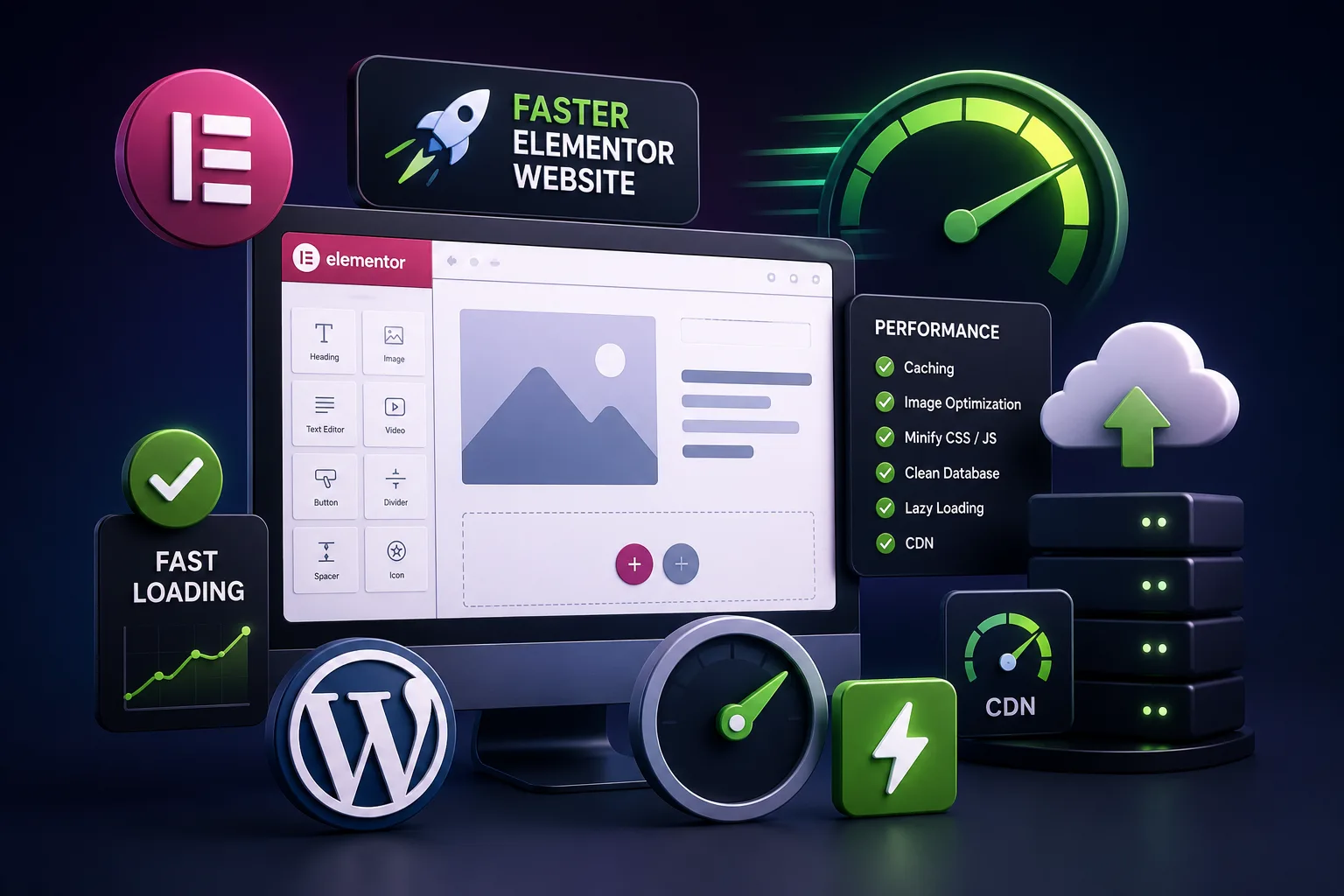
Elementor is one of the best WordPress page builders available today. It allows businesses, agencies, and website owners to create beautiful websites without writing a lot of code.
However, after working on many WordPress projects over the years, we’ve noticed something very common.
Most Elementor websites start fast, but gradually become slower.
It usually happens when website owners continuously add new plugins, animations, widgets, and third-party tools without considering performance.
Eventually, the website becomes difficult to maintain and starts affecting SEO, user experience, and conversions.
The good news is that Elementor itself isn’t the problem.
In most cases, the issue is how the website has been built.
In this guide, we’ll share practical techniques we use at OpenXcode to keep Elementor websites fast and optimized.
Why Are Elementor Websites Slow?
There isn’t one single reason.
Usually, multiple factors contribute to slow performance.
The most common issues we see are:
- Too many Elementor addons
- Large image files
- Excessive animations
- Poor hosting
- Too many plugins
- Unoptimized databases
- Too many fonts
- Heavy third-party scripts
Fortunately, these problems can be fixed.
1. Use Elementor Flexbox Containers
If you’re still using Sections and Inner Sections, we strongly recommend switching to Flexbox Containers.
Flexbox creates a cleaner structure with fewer HTML elements.
Benefits include:
- Better performance
- Cleaner code
- Improved responsiveness
- Faster page rendering
For all new projects, we use Flexbox Containers by default.
2. Stop Installing Multiple Elementor Addon Plugins
This is probably the biggest mistake we encounter.
Many websites have all of these installed together:
- ElementsKit
- Essential Addons
- Premium Addons
- Ultimate Addons
- Master Addons
This creates unnecessary CSS and JavaScript files.
Instead, choose one addon package or create custom components.
Adding more plugins doesn’t make a website better.
It usually makes it slower.
3. Keep Plugins to a Minimum
We always recommend using fewer plugins.
This isn’t only for performance.
It’s also important for security.
More plugins mean:
- More code to load
- More database queries
- More update dependencies
- Higher chances of plugin conflicts
- Increased security risks
Install only what your website truly needs.
A website with 10 carefully selected plugins is usually faster and safer than a website running 40 plugins.
4. Use Tailwind CSS for Custom Development
At OpenXcode, we often use Tailwind CSS for custom sections instead of relying on additional Elementor addons.
Why?
Because Tailwind helps us build lightweight interfaces without loading unnecessary CSS.
Benefits include:
- Smaller CSS files
- Better maintainability
- Faster rendering
- Cleaner frontend architecture
- Improved Core Web Vitals
Sometimes writing a custom component is faster than installing another plugin.
5. Optimize Images Before Uploading
Large images are one of the biggest reasons websites become slow.
Before uploading images:
- Resize them properly
- Compress them
- Convert them to WebP
Recommended sizes:
Hero images: 1920px width
Blog images: 1200px width
Avoid uploading 5MB images directly from mobile devices.
6. Reduce Heavy Animations
Animations can improve design, but too many animations hurt performance.
Avoid:
- Large background videos
- Excessive entrance effects
- Complex parallax sections
Simple and purposeful animations work better.
7. Choose Better Hosting
Even a perfectly optimized Elementor website will struggle on poor hosting.
Look for hosting providers that offer:
- NVMe SSD storage
- PHP 8.3+
- LiteSpeed or NGINX
- Server-side caching
Good hosting is one of the best investments you can make.
8. Limit Font Usage
Using too many fonts slows down websites.
We recommend:
- One primary font
- One secondary font
Avoid loading multiple font families and unnecessary font weights.
9. Delay Third-Party Scripts
Many websites load scripts that aren’t immediately necessary.
Examples include:
- Chat widgets
- Marketing tools
- Tracking scripts
Load them only when needed.
10. Enable Lazy Loading
Lazy loading delays images until visitors scroll down the page.
Benefits include:
- Faster initial load
- Better mobile performance
- Reduced bandwidth usage
Modern WordPress versions support this automatically.
11. Optimize Your Database Regularly
Over time, WordPress databases become bloated.
Regularly remove:
- Spam comments
- Post revisions
- Expired transients
Website maintenance should be ongoing.
12. Use a CDN
A Content Delivery Network delivers website assets from nearby servers.
Benefits:
- Faster loading worldwide
- Reduced server load
- Better user experience
Popular options:
- Cloudflare
- Bunny CDN
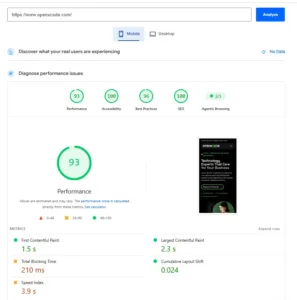
13. Don’t Chase a Perfect 100 Score
Many website owners become obsessed with PageSpeed scores.
Don’t.
A website doesn’t need a perfect 100.
Instead, focus on:
- Fast loading pages
- Stable layouts
- Good user experience
Your visitors care more about speed than numbers.
OpenXcode’s Performance Approach
At OpenXcode, our philosophy is simple:
Write cleaner code.
Use fewer plugins.
Build for long-term performance.
We don’t rely heavily on dozens of addons to achieve functionality.
Instead, we focus on:
- Tailwind CSS
- Lightweight components
- Optimized images
- Minimal plugins
- Mobile-first design
- Core Web Vitals optimization
Small improvements create big results over time.
Common Elementor Mistakes to Avoid
❌ Installing five Elementor addon plugins
❌ Uploading huge images
❌ Using low-quality hosting
❌ Loading multiple font families
❌ Using too many animations
❌ Ignoring mobile optimization
❌ Chasing a perfect PageSpeed score
Final Thoughts
Elementor can build extremely fast websites when used properly.
The secret isn’t installing more plugins.
The secret is keeping things simple.
Focus on clean code, lightweight design, optimized assets, and long-term maintainability.
A faster website improves SEO, creates a better user experience, and ultimately helps your business grow.
If your Elementor website feels slow today, start with one improvement at a time. Small optimizations consistently deliver the biggest results over time.
About OpenXcode
OpenXcode specializes in WordPress development, WooCommerce solutions, performance optimization, and custom web applications.
We build fast, scalable, and user-friendly websites designed for both people and search engines.