Website speed has become one of the most important factors for both SEO and user experience. In 2026, users expect a website to load almost instantly. If your website takes more than a few seconds to load, visitors will leave before they even see your content.
As WordPress developers, we’ve noticed a common pattern: many businesses invest time and money into building a beautiful website but completely ignore performance optimization.
The result?
- Slow loading pages
- Poor Google rankings
- Higher bounce rates
- Lower conversions
- Frustrated users
The good news is that most speed issues can be fixed without rebuilding your website from scratch.
In this guide, we’ll share practical techniques we regularly use when optimizing WordPress websites for our clients.
Why Website Speed Matters More Than Ever
A fast website isn’t just about performance scores.
It directly affects your business.
A slow website can impact:
- Google search rankings
- User experience
- Lead generation
- Online sales
- Mobile usability
- Customer trust
Even a one-second delay can reduce engagement and conversions.
Google also uses Core Web Vitals as an important ranking signal, so website performance should be part of your long-term SEO strategy.
1. Choose High-Performance Hosting
Many speed problems start with poor hosting.
If you’re using cheap shared hosting, no amount of optimization will completely solve performance issues.
Look for hosting providers that offer:
- NVMe SSD storage
- PHP 8.3 or newer
- Server-level caching
- LiteSpeed or NGINX
- CDN integration
Good hosting is an investment, not an expense.
2. Remove Unnecessary Plugins
One of the biggest mistakes we see is installing too many plugins.
It’s not about the number of plugins, but the quality of those plugins.
Ask yourself:
- Do I really need this plugin?
- Is it actively maintained?
- Does it duplicate another plugin’s functionality?
Remove plugins you no longer use.
Every extra plugin adds additional processing.
3. Use a Proper Caching Plugin
Caching dramatically improves loading speed.
Popular options include:
- WP Rocket
- LiteSpeed Cache
- FlyingPress
Enable:
- Page caching
- Browser caching
- GZIP compression
- CSS optimization
- JavaScript optimization
Avoid enabling every feature at once. Test after every change.
4. Optimize Your Images
Large images are often responsible for slow websites.
Before uploading:
- Resize images properly
- Compress images
- Use WebP format
- Avoid uploading images directly from smartphones
Recommended dimensions:
- Hero images: 1920px width
- Blog images: 1200px width
Avoid uploading 5MB images when a 200KB image will do the same job.
5. Enable a CDN
A Content Delivery Network stores copies of your website globally.
This means visitors receive files from a server closer to their location.
Benefits:
- Faster loading times
- Reduced server load
- Better international performance
Popular choices:
- Cloudflare
- Bunny CDN
Even small websites can benefit from a CDN.
6. Update to PHP 8.3
Many websites still run outdated PHP versions.
Updating PHP can significantly improve performance.
Before updating:
- Check plugin compatibility
- Test your website on staging
Benefits:
- Faster execution
- Better security
- Lower server resource usage
7. Optimize Your Database
Over time, WordPress databases become bloated.
Remove:
- Post revisions
- Spam comments
- Expired transients
- Unused tables
Database optimization should be performed regularly.
8. Reduce External Requests
Each external request slows down your website.
Examples:
- Google Fonts
- YouTube embeds
- Third-party widgets
- Chat systems
- Tracking scripts
Only load what is absolutely necessary.
9. Limit Heavy Animations
Too many animations can hurt performance.
Avoid:
- Excessive parallax effects
- Large video backgrounds
- Complex entrance animations
Keep animations simple and purposeful.
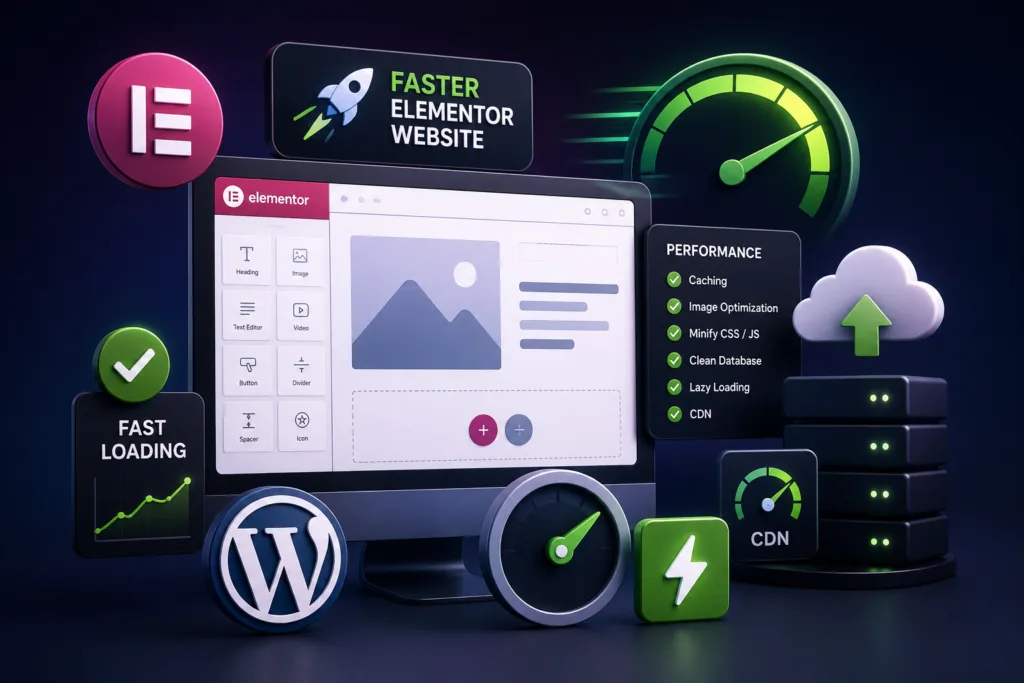
10. Optimize Elementor Websites
Elementor websites often become slow when overused.
Things we recommend:
- Enable Elementor Experiments
- Use Flexbox Containers
- Reduce nested sections
- Remove unused widgets
- Avoid excessive addons
More addons don’t always mean a better website.
11. Limit Font Usage
Using too many fonts increases loading time.
Best practice:
- Use one primary font
- Use one secondary font
Avoid loading multiple font families and weights.
12. Delay Unnecessary JavaScript
Not every script needs to load immediately.
Delay scripts such as:
- Chat widgets
- Analytics tools
- Marketing trackers
This improves initial page rendering.
13. Enable Lazy Loading
Lazy loading delays images and videos until users scroll down.
Benefits:
- Faster initial page load
- Reduced bandwidth usage
Modern WordPress versions support lazy loading by default.
14. Remove Unused CSS
Themes and plugins often load CSS files that aren’t needed.
Removing unused CSS reduces page size.
Many optimization plugins can handle this automatically.
Always test thoroughly after enabling this feature.
15. Reduce Redirect Chains
Multiple redirects slow down websites.
Avoid:
Bad:
Page A → Page B → Page C
Good:
Page A → Page C
Keep redirects simple.
16. Optimize Mobile Performance First
Most visitors browse on mobile devices.
Test:
- Menus
- Images
- Buttons
- Forms
Don’t optimize only for desktop users.
17. Disable Features You Don’t Use
WordPress loads several features by default.
Consider disabling:
- Emojis
- Embeds
- XML-RPC (if unused)
Small improvements add up.
18. Audit Your Website Every 3 Months
Performance changes over time.
Regular audits help identify problems before they affect rankings.
Check:
- New plugins
- Large images
- Broken links
- Slow pages
Website maintenance should be ongoing.
19. Measure Performance Properly
Don’t rely on one tool.
Use:
- Google PageSpeed Insights
- GTmetrix
- Pingdom
Focus on real user experience instead of chasing perfect scores.
A 100/100 score isn’t necessary.
A fast and stable website is.
20. Work With Experienced WordPress Developers
Sometimes, speed issues aren’t obvious.
Problems can be hidden inside:
- Poor theme architecture
- Heavy database queries
- Plugin conflicts
- Excessive scripts
An experienced developer can identify bottlenecks much faster.
Common Mistakes to Avoid
Don’t:
❌ Install multiple caching plugins
❌ Upload huge images
❌ Use too many page builder addons
❌ Ignore mobile optimization
❌ Use low-quality hosting
❌ Chase a perfect PageSpeed score
Final Thoughts
Website speed optimization is no longer a one-time task.
It’s an ongoing process.
We’ve worked on many WordPress projects and one thing remains true: simple improvements consistently outperform complicated solutions.
Start with hosting, optimize your images, clean up plugins, and regularly monitor performance.
A fast website doesn’t just improve SEO. It creates a better experience for your visitors and helps your business grow.
If your website feels slow, don’t wait until rankings drop.
Start optimizing today.
About OpenXcode
At OpenXcode, we build and optimize high-performance WordPress websites focused on speed, user experience, and long-term scalability.
Whether you run a business website, WooCommerce store, or custom WordPress application, our team can help you improve website performance and deliver a faster experience for your visitors.